Getting Started
Everything you need to get your ReaSnow S2 up and running — wiring, APP setup, specifications, downloads, firmware updates, and Bluetooth pairing.
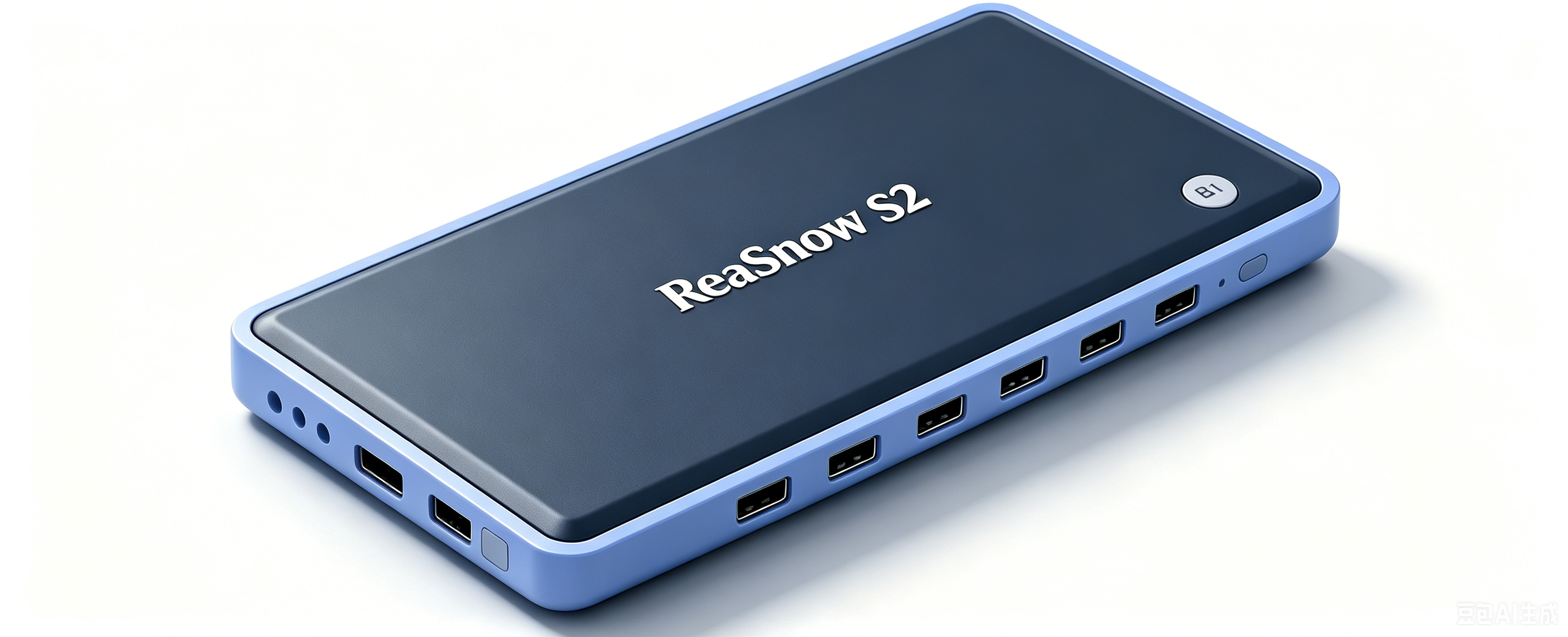
ReaSnow S2 is the 3rd-generation gaming converter from ReaSnow, built for competitive FPS players who demand precision, flexibility, and a mobile-first workflow.
It combines BLE mobile APP control, a 50-point Catmull-Rom curve editor, and a 6-port dual-output design into a single 120 × 60 × 24 mm device — no PC required at your gaming desk.
| Feature | What It Does |
|---|---|
| Mobile APP Control | Full device control via ReaSnow Manager over BLE (Android/iOS). No USB tethering, no PC needed. |
| 6-Port Dual Output | 4× USB-A for peripherals + 2× USB-C for console output. Hook up keyboard, mouse, and controller simultaneously. |
| 50-Point Curve Editor | 50-point Catmull-Rom response curve with 5 presets and free-hand drag. Tune your aim down to the millimeter. |
| Real-Time IO Monitor | Watch 12 simultaneous inputs and analog values live on your phone. The fastest way to debug peripherals. |
| Macro System | 10 groups × 50 macros × 5 trigger modes with a visual timeline editor. Anti-recoil, bunny hop, fast build — all in one device. |
| 8-Digit Config Sharing | Share your full config (keybindings, curves, macros, sub-profiles) with an 8-digit code. Friends import it in seconds. |
| Creator Ecosystem | Publish configs, generate activation codes (3 days to 3 years), and monetize your setups. |
| PS5 Remote Play | LAN-based connection — no additional adapter required. |
| Cloud Backup | Save everything (Config + Engine + Macro + cover image) to the cloud. Move between devices without losing anything. |
| Platform | Status | Authentication |
|---|---|---|
| PS5 | ✅ | P5G (direct) / P5MATE adapter / Remote Play (LAN) |
| PS4 | ✅ | DS4 controller on USB1 |
| Xbox Series X|S | ✅ | XSX|XSS controller on USB1 |
| Xbox One | ✅ | XB1 controller on USB1 |
| Nintendo Switch 1/2 | ✅ | No auth device needed |
| PC (XB360 mode) | ✅ | No auth device needed — plug and play |
| PS3 | ❌ | — |
| Xbox 360 | ❌ | — |
| Dimension | S1 (2nd Gen) | S2 (3rd Gen) |
|---|---|---|
| USB Ports | 3× USB-A + 1× Micro USB | 4× USB-A + 2× USB-C |
| APP Platform | Android / iOS | Android / iOS |
| IO Monitor | — | ✅ Real-time 12-key + analog |
| Curve Editor | Basic | 50-point Catmull-Rom drag-editable |
| Macro Groups | — | 10 groups × 50 macros each |
| Config Sharing | Basic export/import | 8-digit share code + cloud |
| Creator System | — | ✅ publish configs + activation codes |
| Remote Play | — | ✅ PS5 LAN |
| Cloud Backup | — | ✅ |
| Config Slots | 16 | 16 |
| Keybinding Modes | Basic | dual modes |
| Report Rate | 125/250/500/1000 Hz selectable | 125/250/500/1000 Hz selectable |
| Steering Wheel | ✅ | ❌ |
First-Time Setup Guide — 6 steps from unboxing to your first game.
Everything you need to get your ReaSnow S2 up and running — wiring, APP setup, specifications, downloads, firmware updates, and Bluetooth pairing.
Dive into aim tuning, keybinding, macros, and flight/arcade stick configuration for ReaSnow S2.
Config sharing, cloud backup, creator system, activation codes, and user accounts for ReaSnow S2.
Troubleshooting guides, frequently asked questions, and changelog for ReaSnow S2.