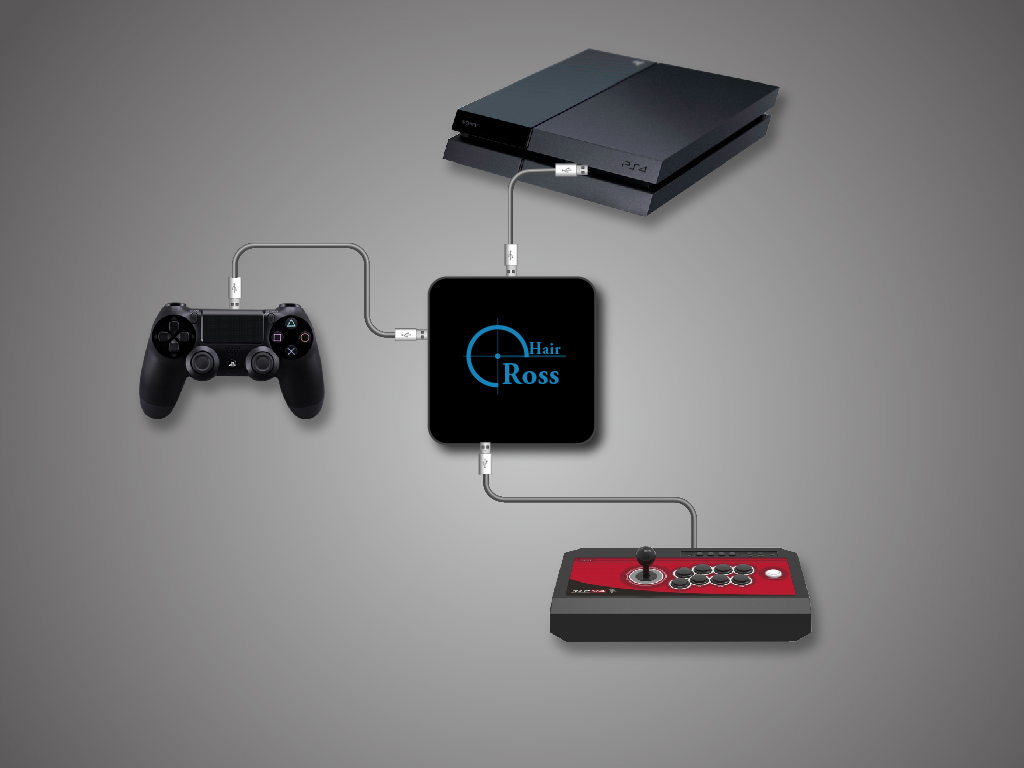
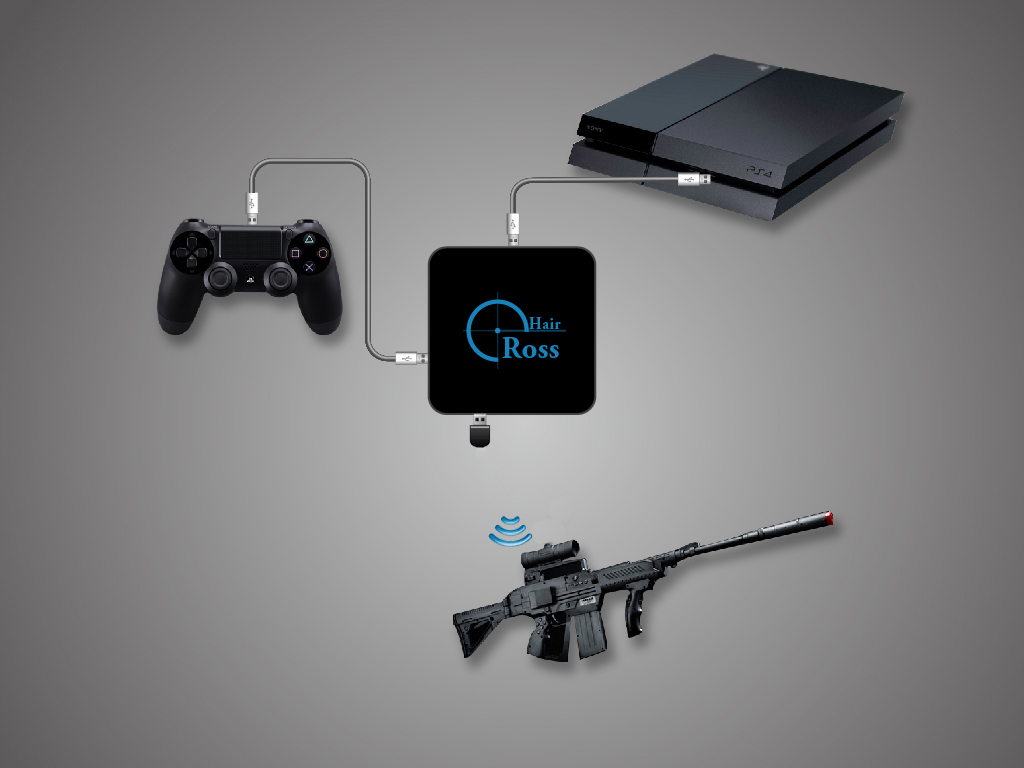
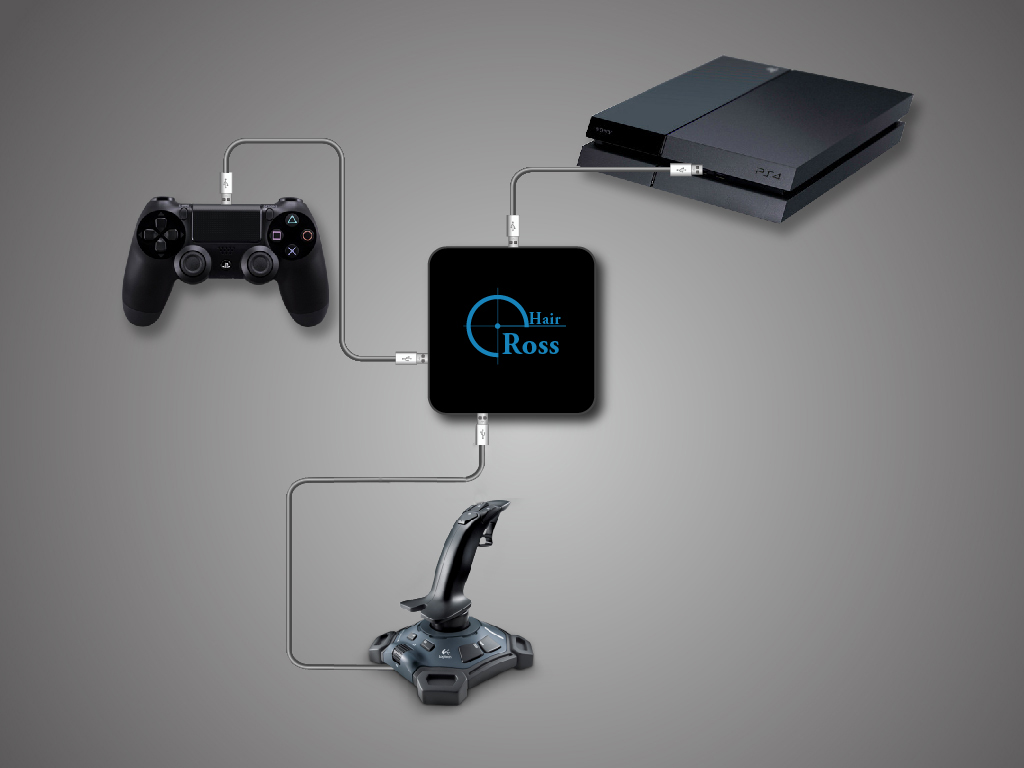
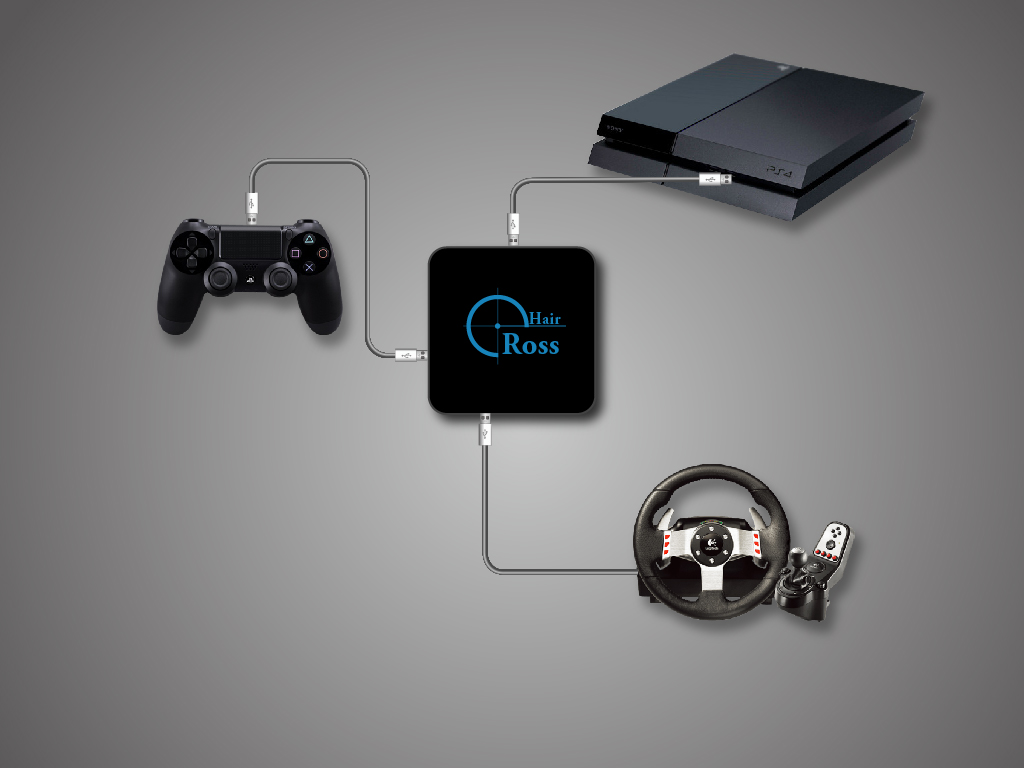
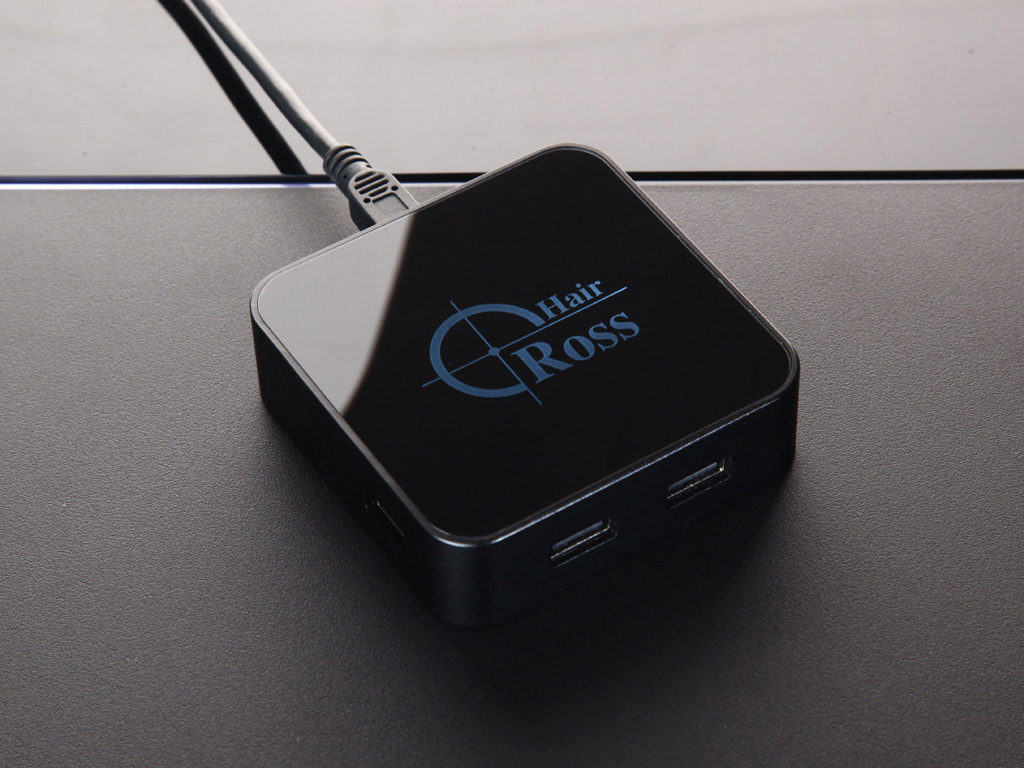
 For beginners, Cross Hair can give you a smooth and easy experience while playing games using your own keyboard and mouse, on the contrary, a controller for aiming in FPS(First-Person Shooting) games is troublesome.For advanced users, it can let you enjoy the game as you wish, whatever hardware you prefer, the gaming-grade keyboard and mouse or joystick or preferred controller.
This is the multi-page printable view of this section. Click here to print.
ReaSnow CrossHair
ReaSnow 1st-Gen Converter. The original high-end gaming converter with professional FPS mouse optimization.
For beginners, Cross Hair can give you a smooth and easy experience while playing games using your own keyboard and mouse, on the contrary, a controller for aiming in FPS(First-Person Shooting) games is troublesome.For advanced users, it can let you enjoy the game as you wish, whatever hardware you prefer, the gaming-grade keyboard and mouse or joystick or preferred controller.1 - Download
Everything You Need for ReaSnow CrossHair
V4.X.X (All-In-One version, PS4/ PS3 / XBOX ONE / XBOX 360 / SWITCH, Hardware Ver:>=1.7.6)
Cross Hair ManagerV4.5.118 Download(Updated Date: July-13-2022)
Version LOG: NEW: fix an issue with SWITCH stick acceleration
PS1:
For Hardware Ver: 1.7.6, users will need an upgrade tool so their Cross Hairs can be recognized by this version V4.X.X
After that, these Cross Hairs can only be managed by Cross Hair Manager V4.X.X
PS2:
If you would prefer not to upgrade your Cross Hair, it can still be managed by our previous 3 versions(V1.X.X, V2.X.X, V3.X.X).
PS3:
For later Hardware Vers(>1.7.6), there will be no need for such an upgrade.
V1.X.X/V2.X.X/V3.X.X are for Cross Hairs which are bought before Autumn 2017, Hardware Ver:<=1.7.6
Cross Hair Manager V1.73.75 Download(for PS4 / PS3 / Xbox One / Xbox 360)Cross Hair ManagerV3.12.28 Download (for Nintendo Switch only)Cross Hair Manager V2.10.3 Download (Bluetooth support for PS4 / PS3)
This special Bluetooth version(Cross Hair Manager V2.10.3) is designed for those who would like to use a Bluetooth controller(Xbox One S controller, DualShock 3) on PS4/PS4 Pro/PS4 Slim by a Bluetooth dongle.
And this version has only this ONE feature, all previous features(such as keyboard and mouse support, wheel support, etc) have not been included in it.
PS1: A Bluetooth 4.0 dongle(CSR 8510 chipset) is required.
PS2: You can safely switch between this special Bluetooth version and our normal versions. All your previous configs will be preserved if you follow our instructions below carefully.
2 - Manuals
Manuals for ReaSnow CrossHair (Updated Date: July-14-2022)
01-CrossHair-UserManual02-CrossHair-QuickGuide03-FAQ04-Optimizing Mouse Control05-Warning and Solution06-PS4 party-chat issue07-Audio settings for USB sound adapter on PS408-Instructions on Macro09-Instructions on steering wheel support10-Preset Games3 - Gallery
For beginners, Cross Hair can give you a smooth and easy experience while playing games using your own keyboard and mouse, on the contrary, a controller for aiming in FPS(First-Person Shooting) games is troublesome.
For advanced users, it can let you enjoy the game as you wish, whatever the hardware you like, the gaming-grade keyboard and mouse or joystick or preferred controller.
3.1 - Photo
Photos of CrossHair
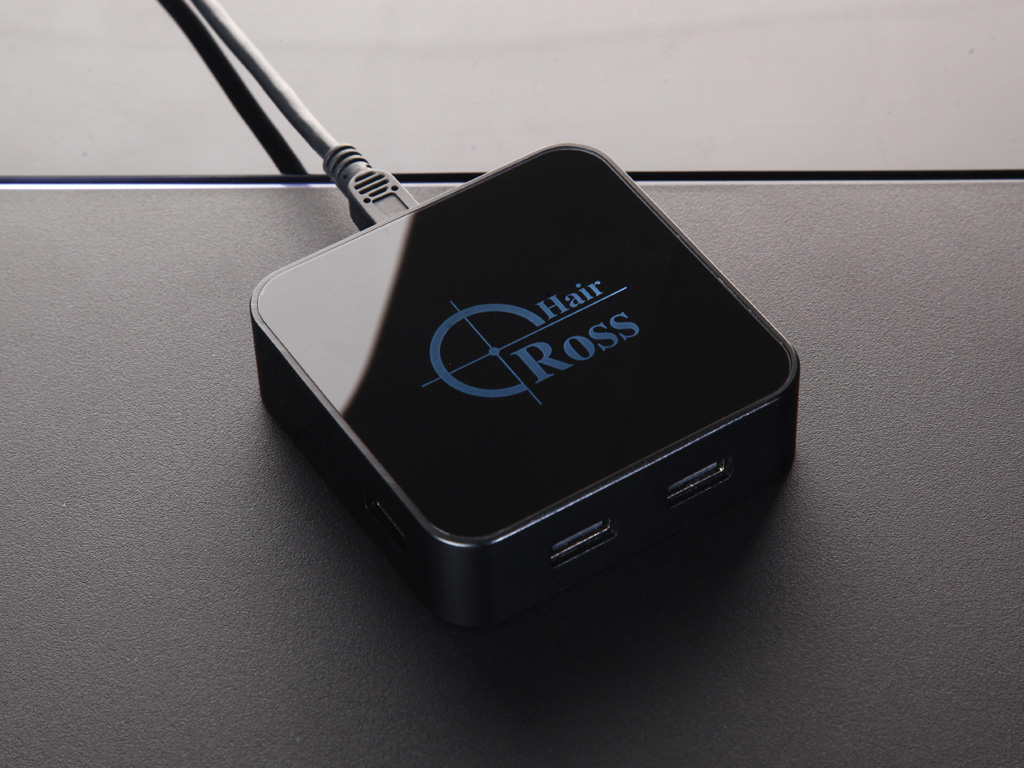
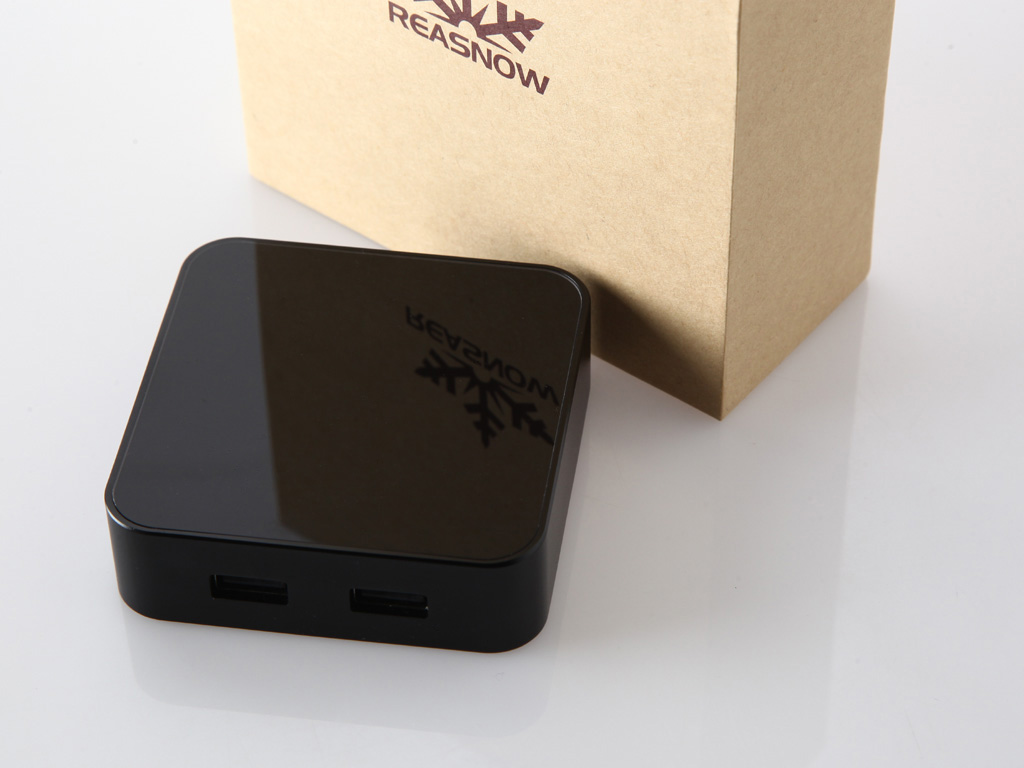
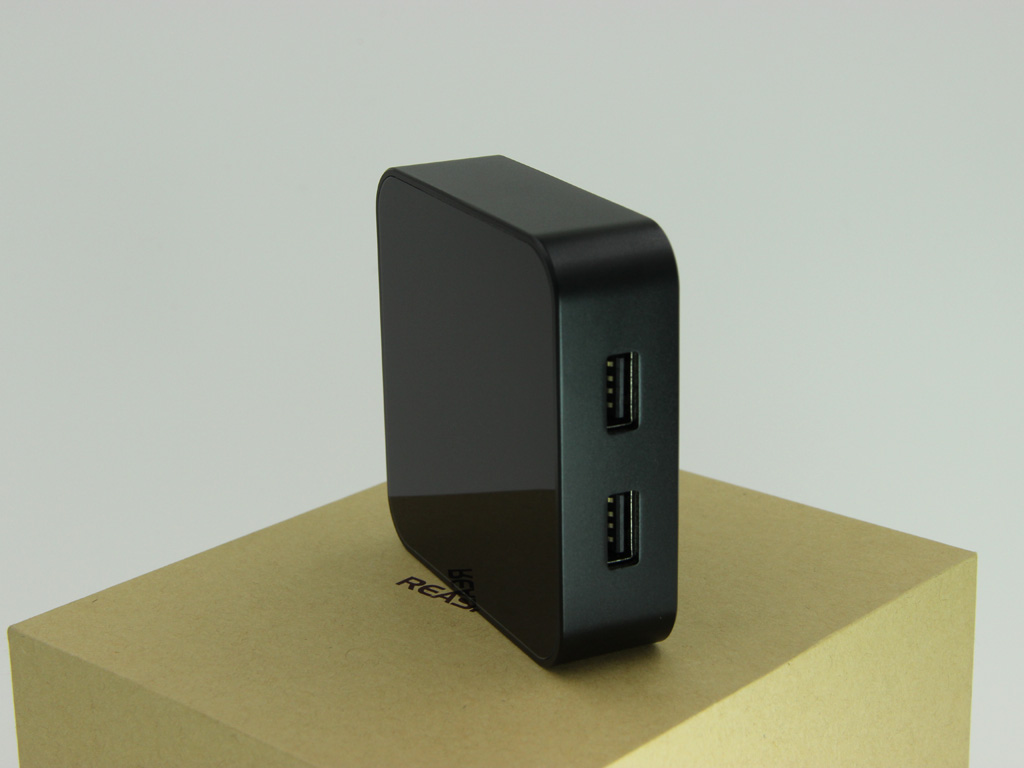
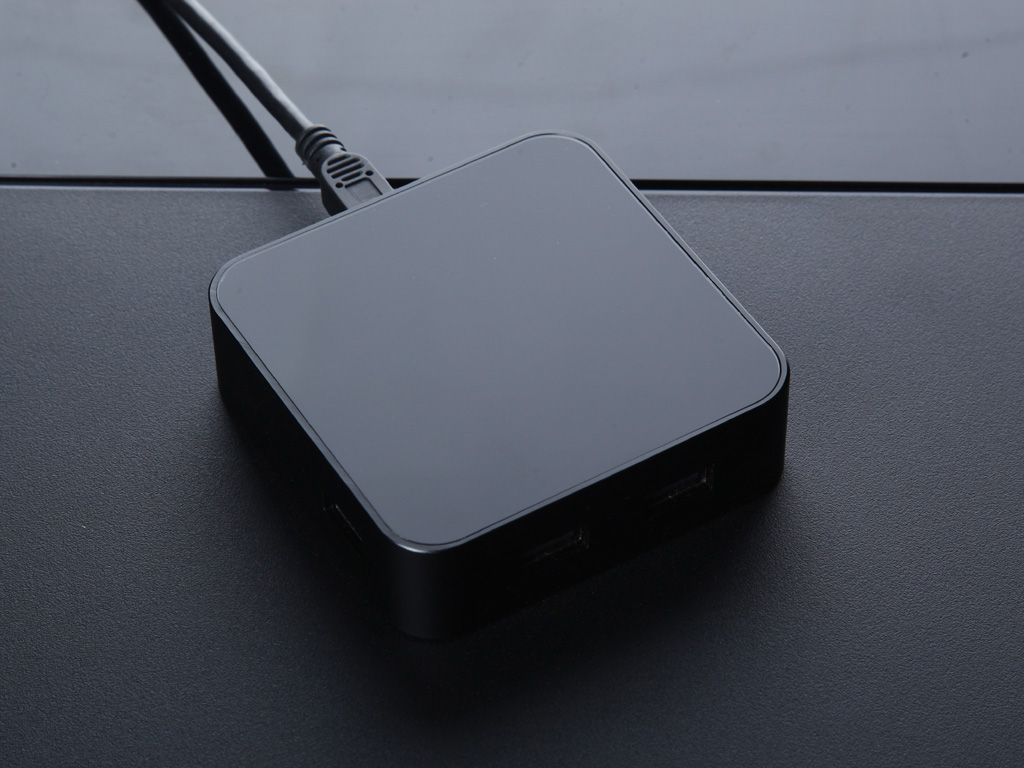
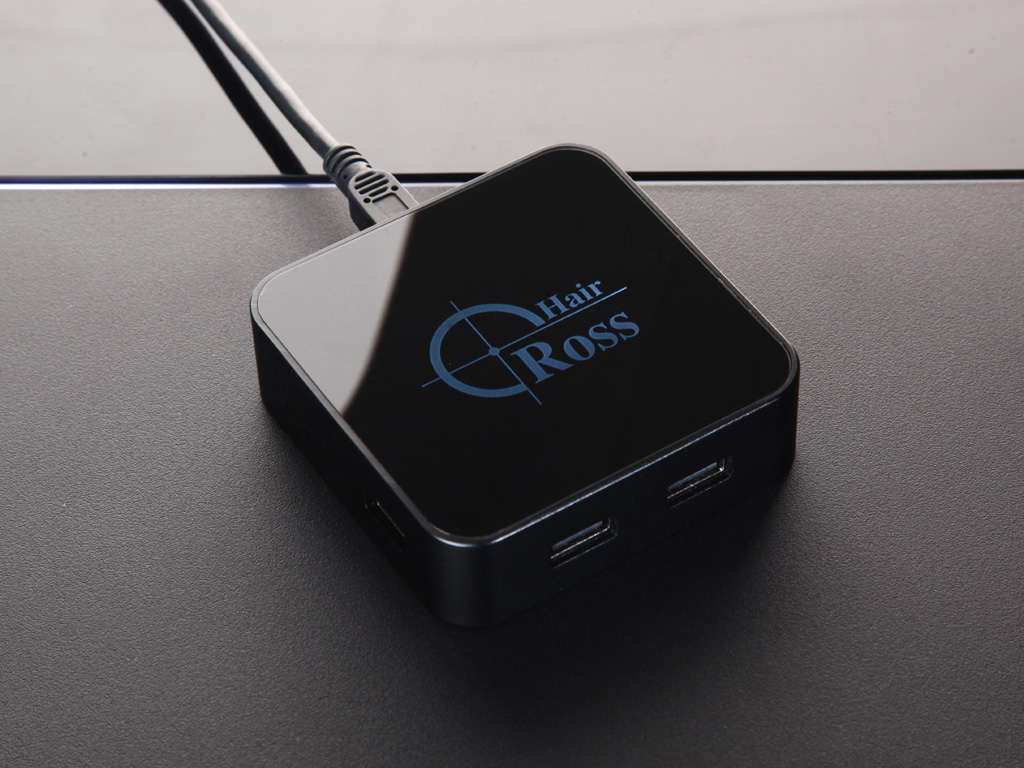
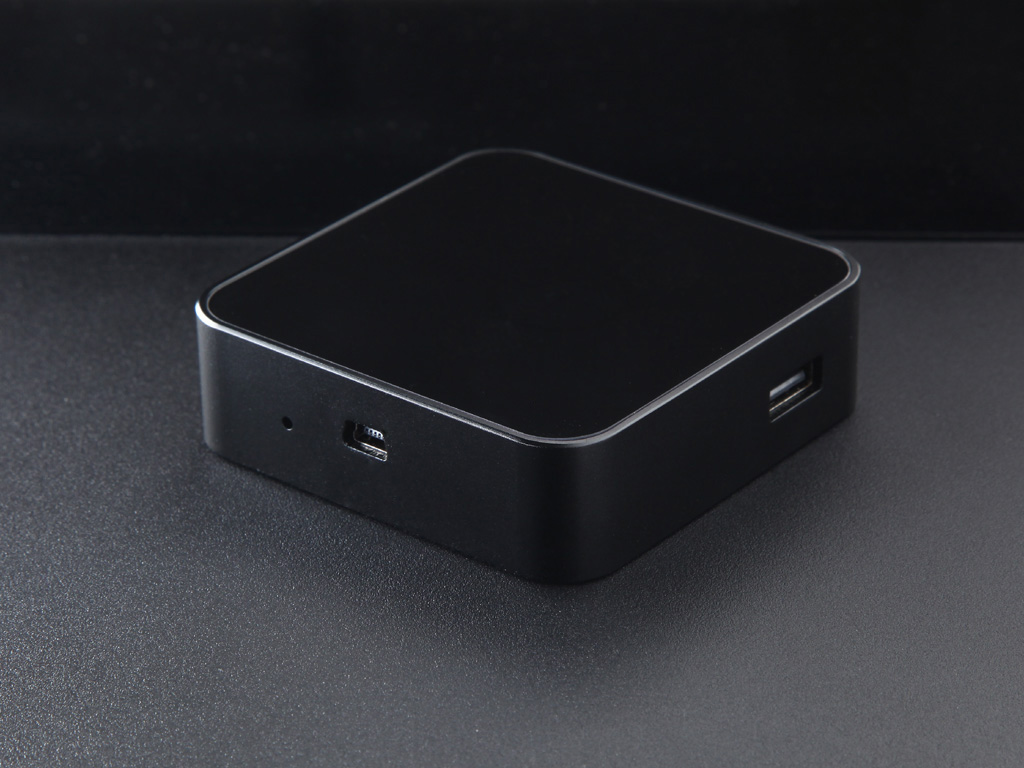
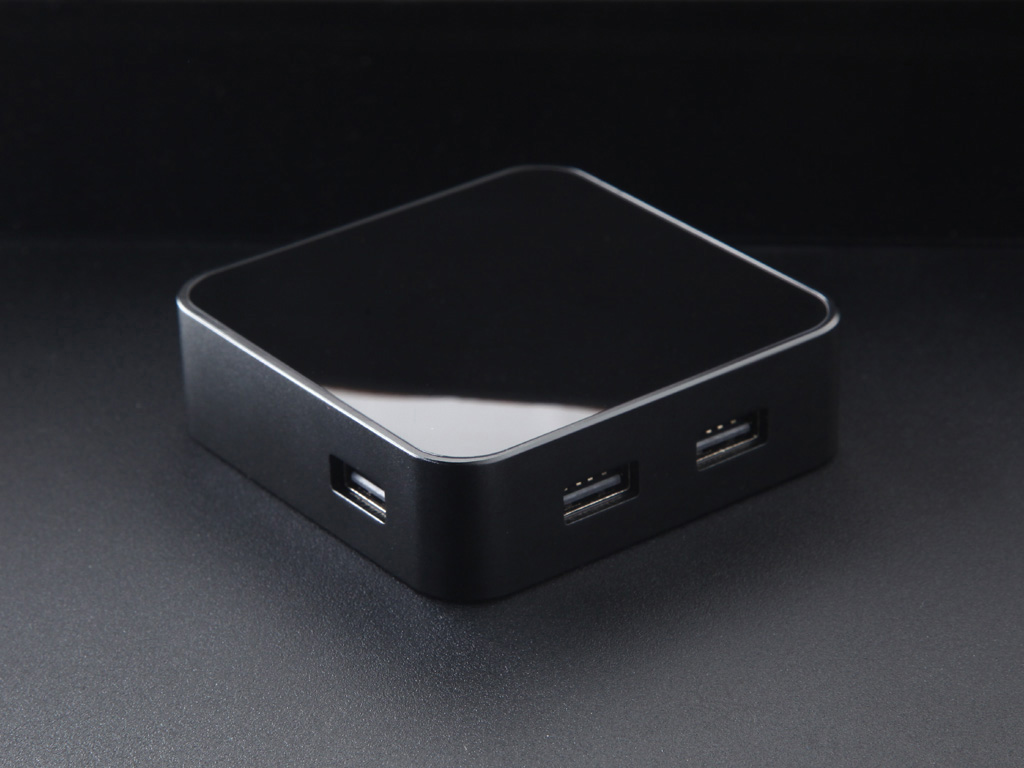
3.2 - M&K
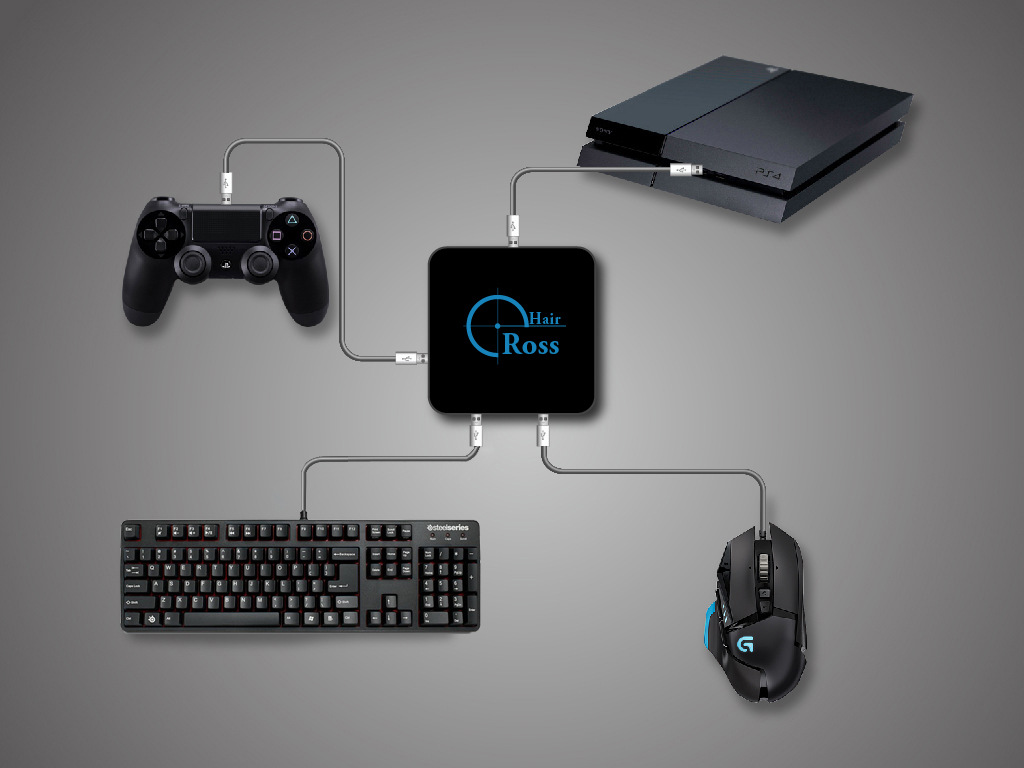
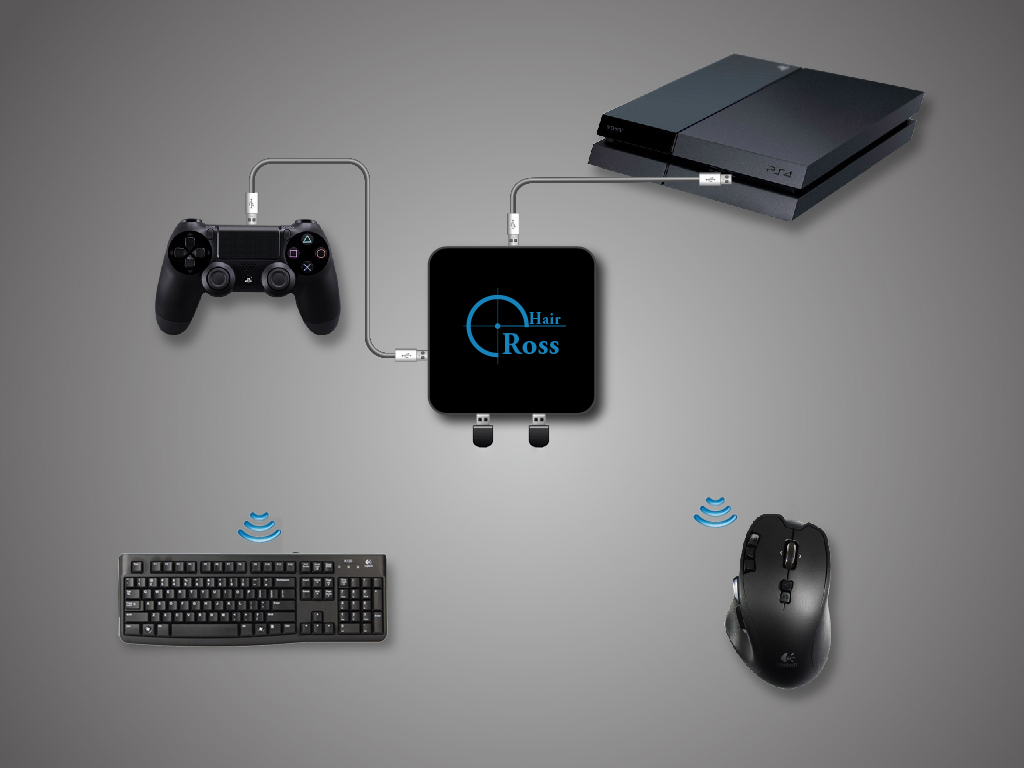
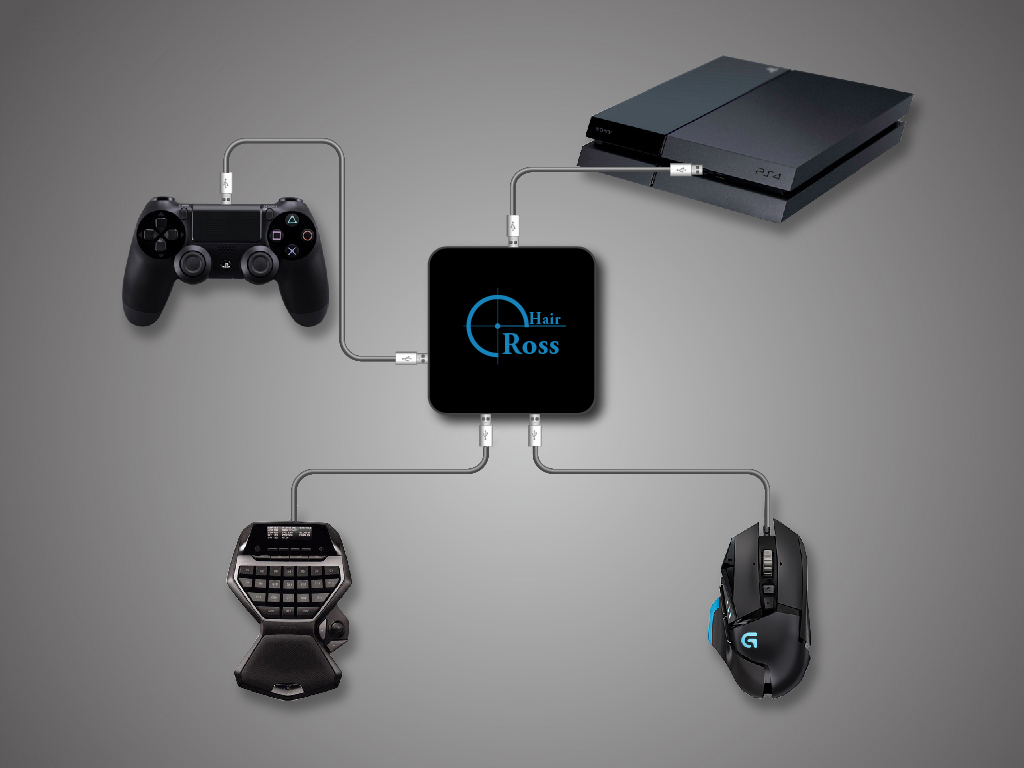
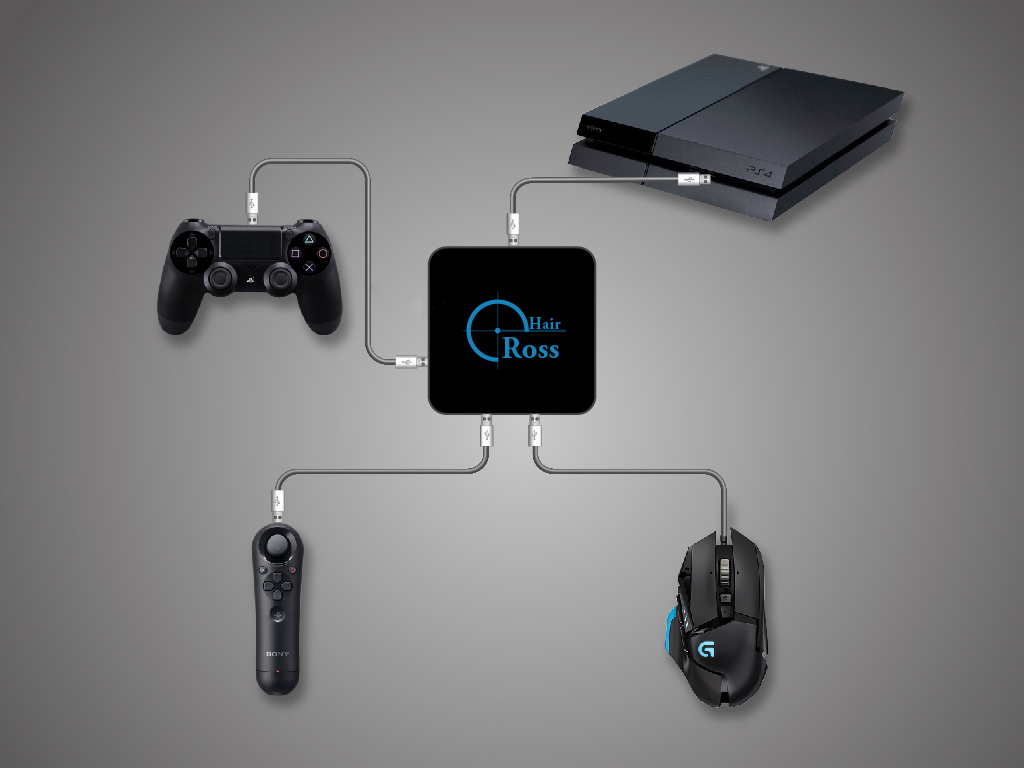
Mouse&Keyboard Scenario
3.3 - Controller
Controller Scenario
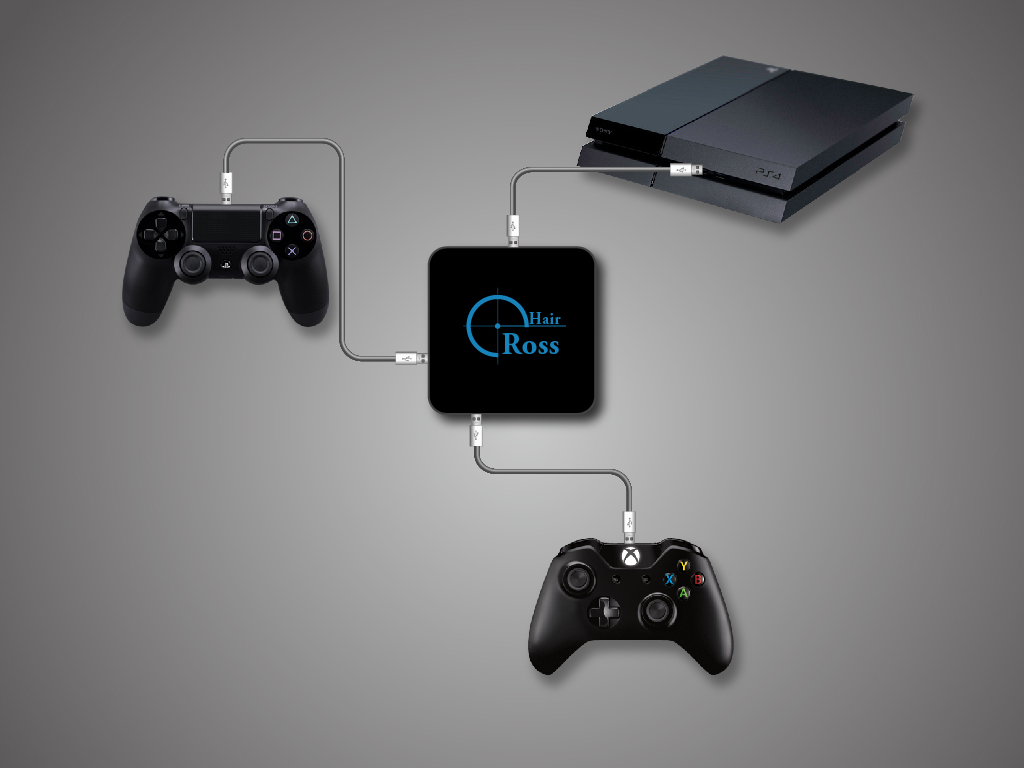
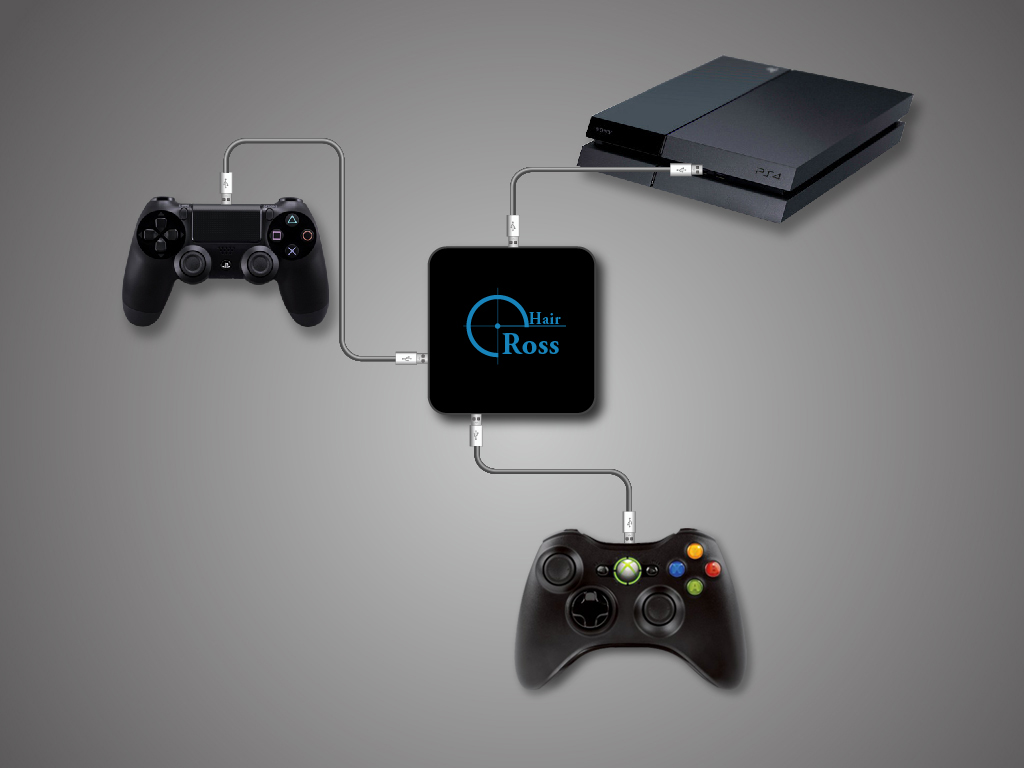
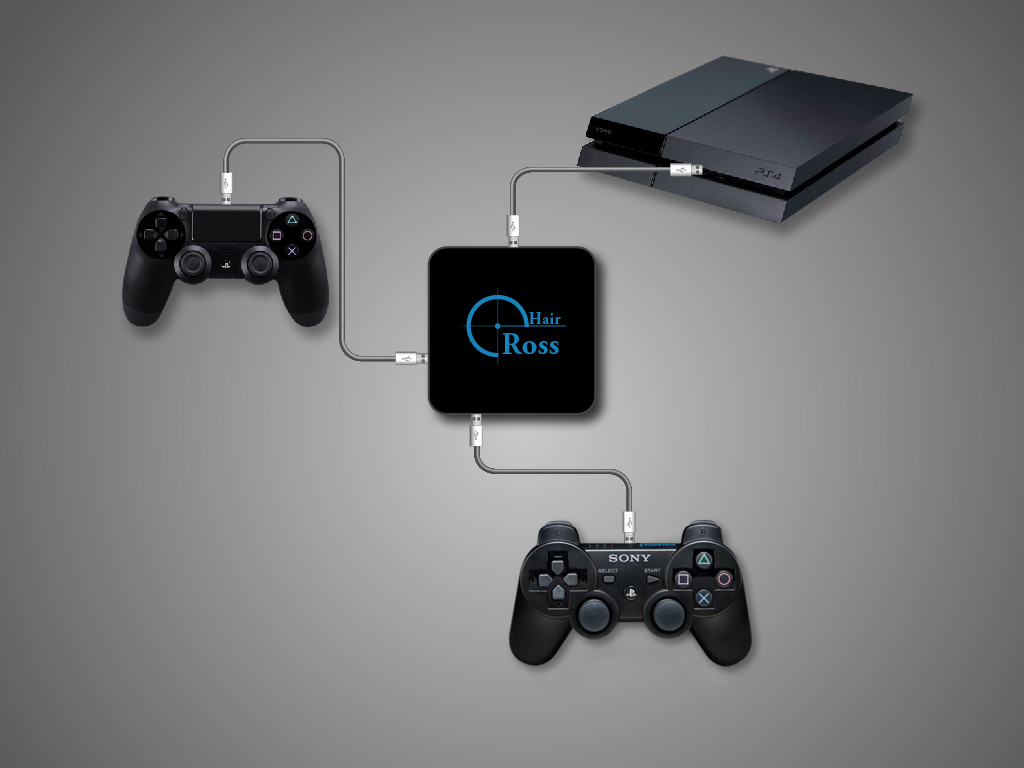
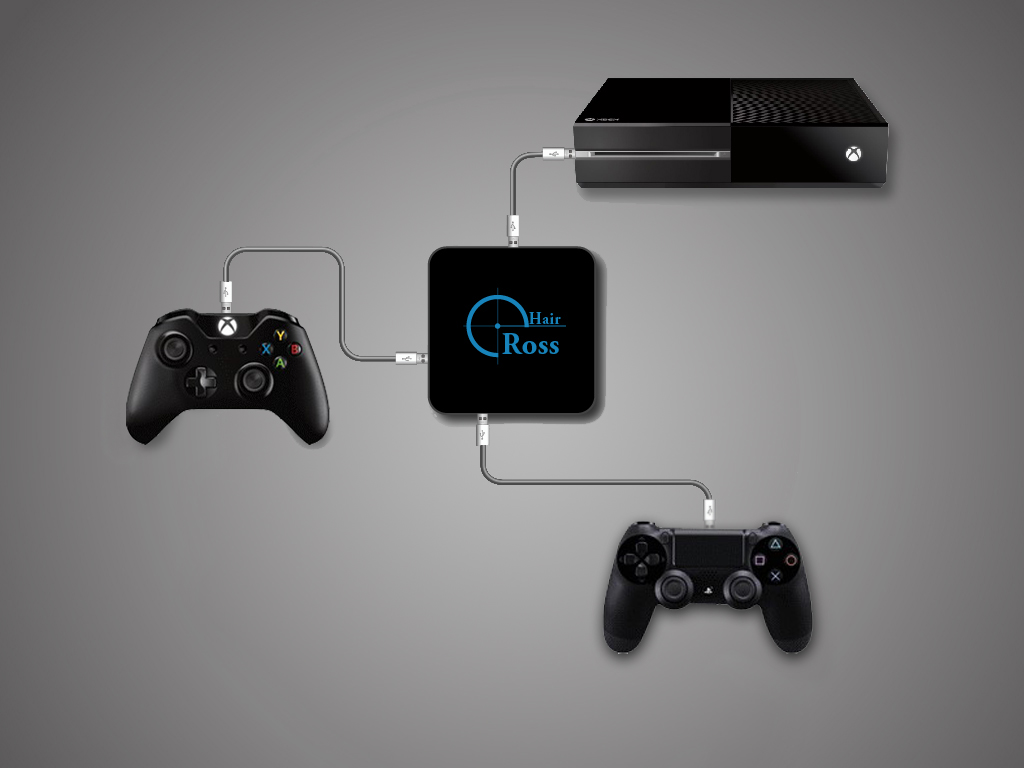
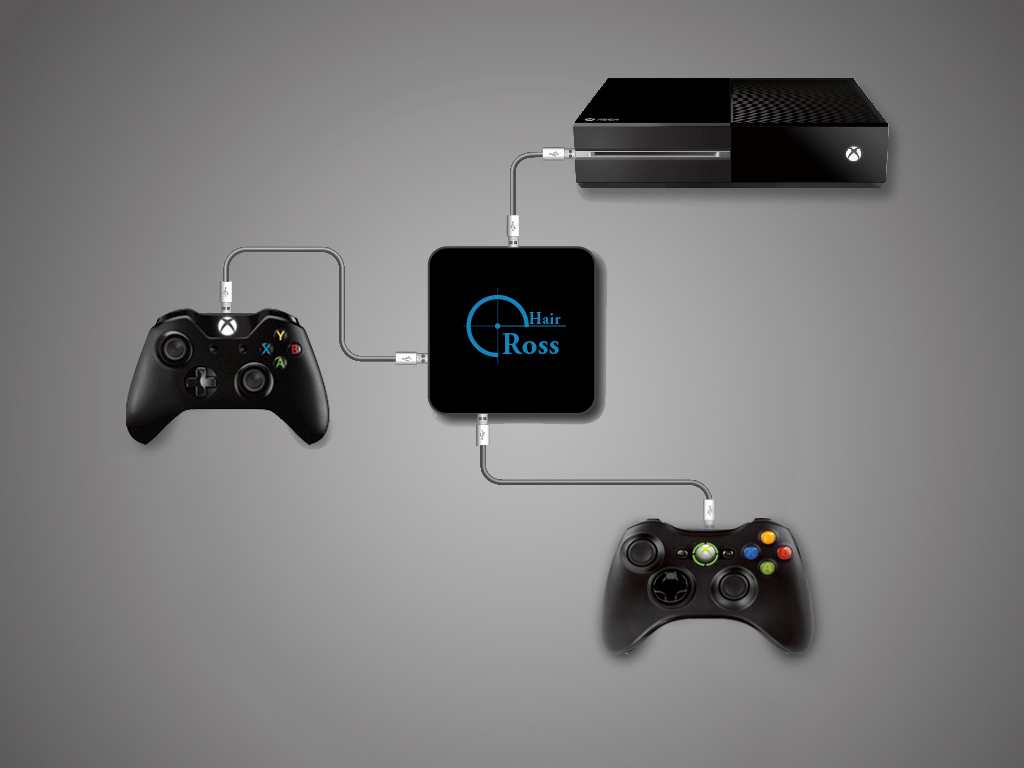
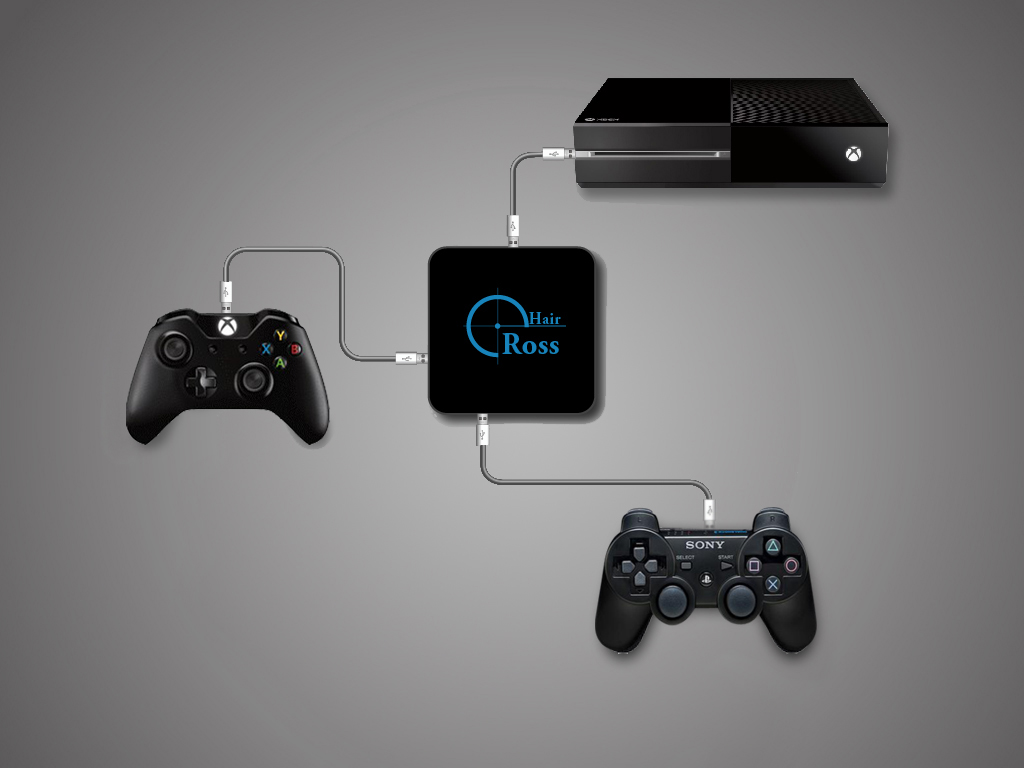
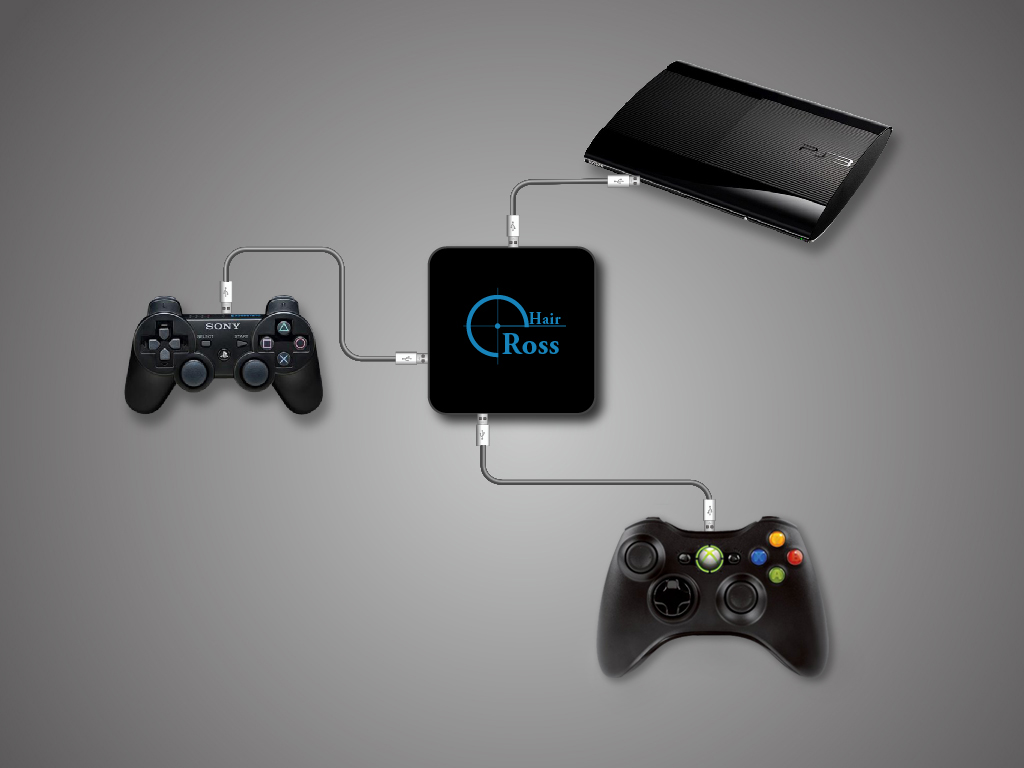
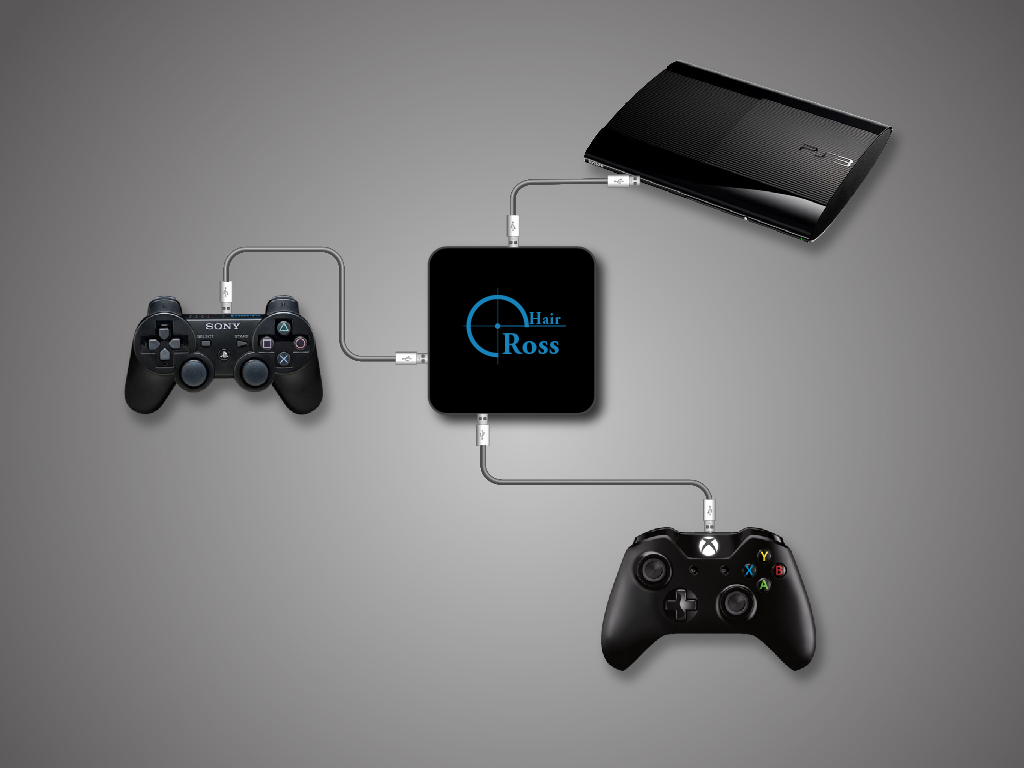
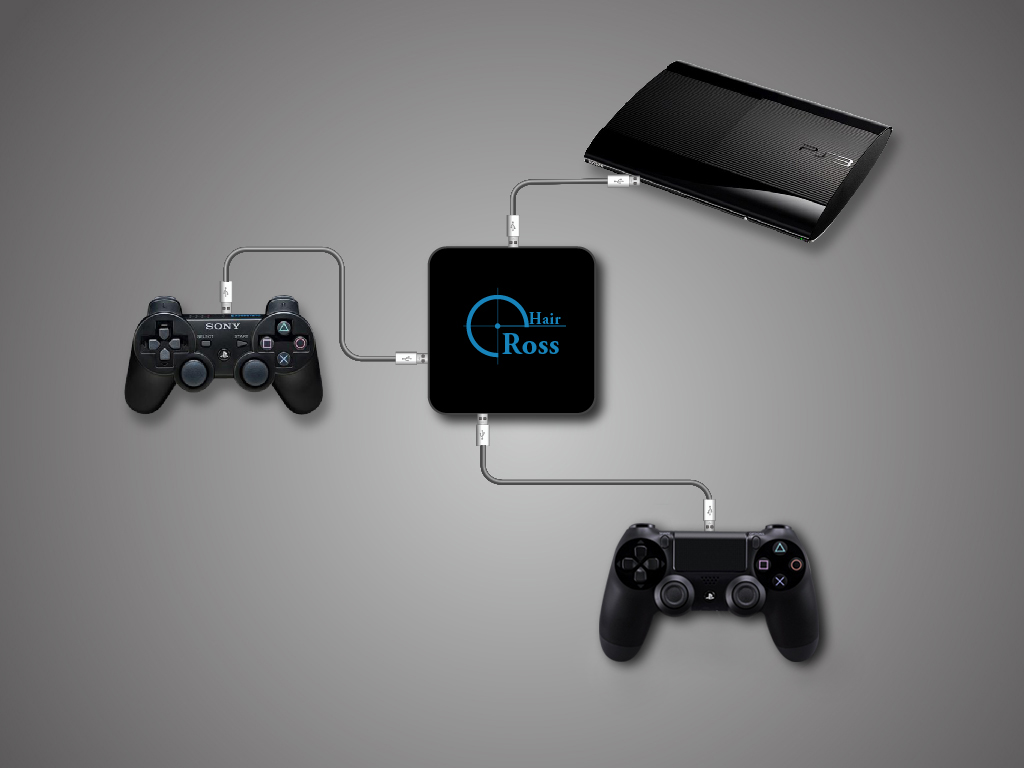
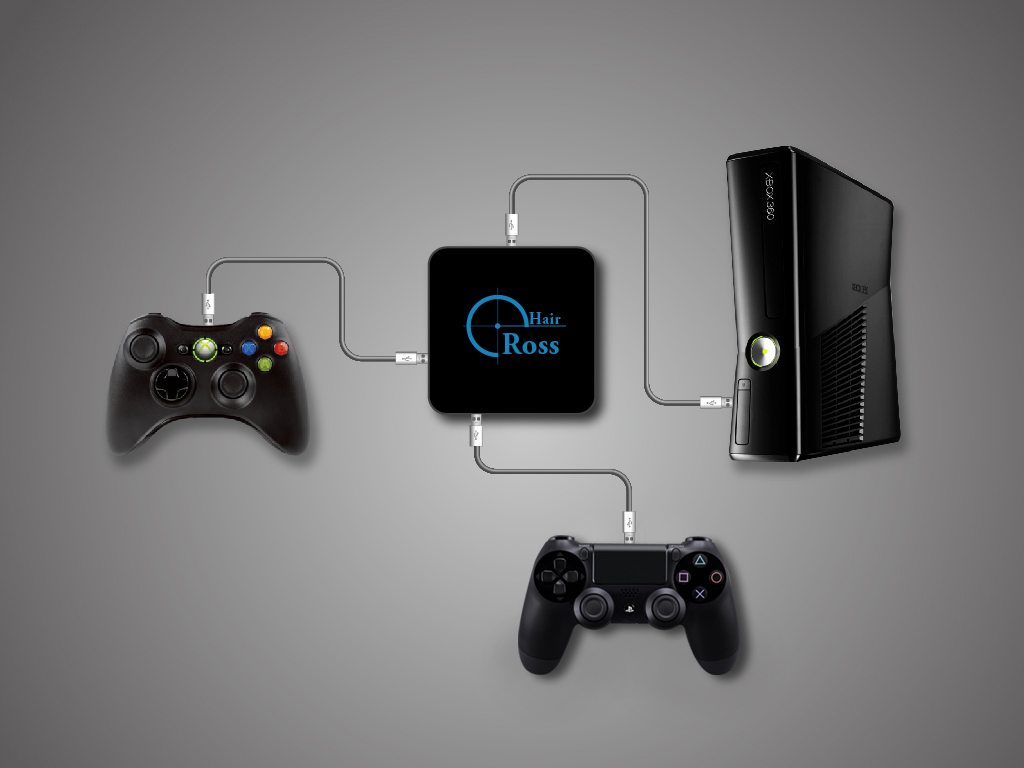
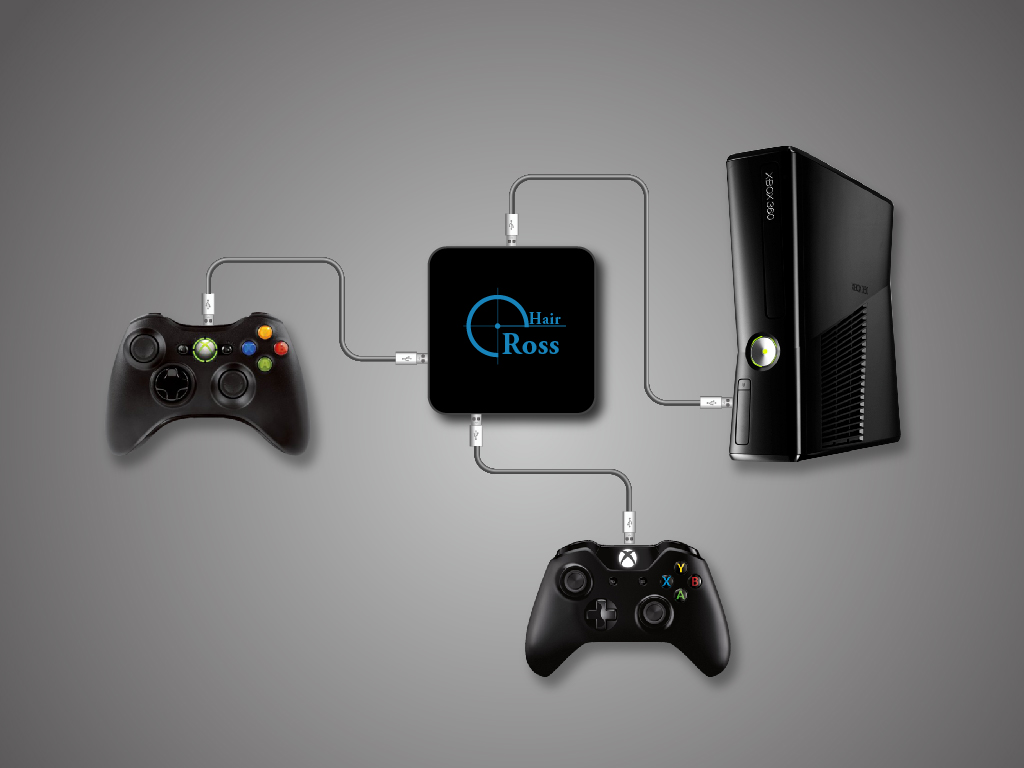
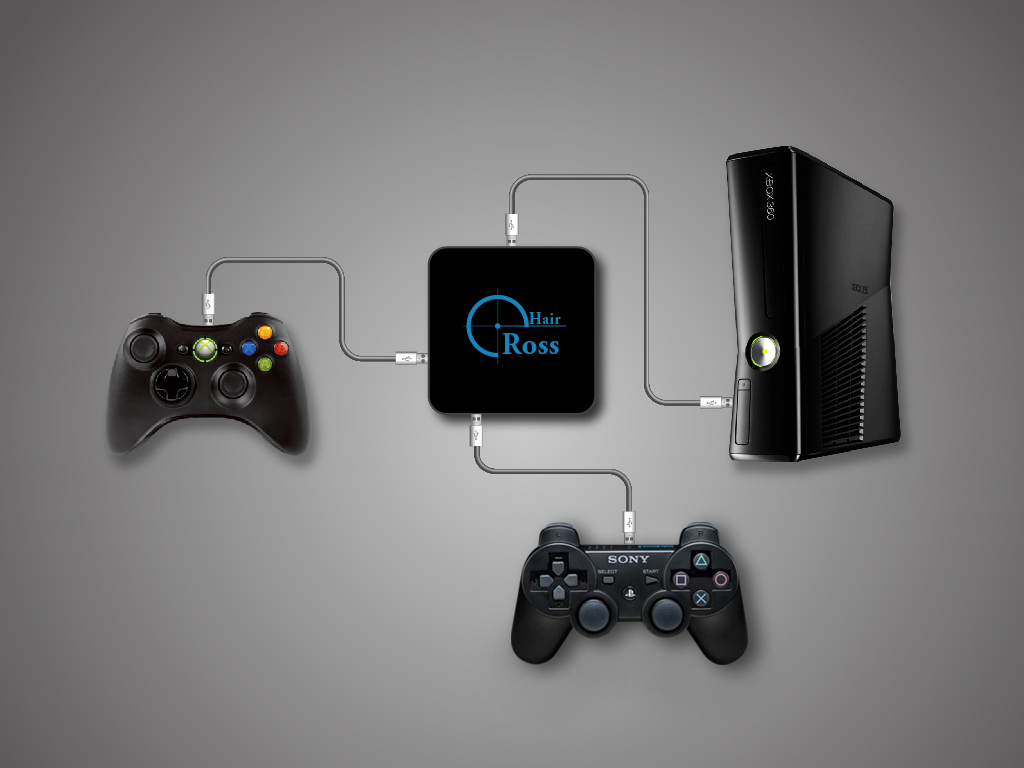
3.4 - Other
Other Scenario