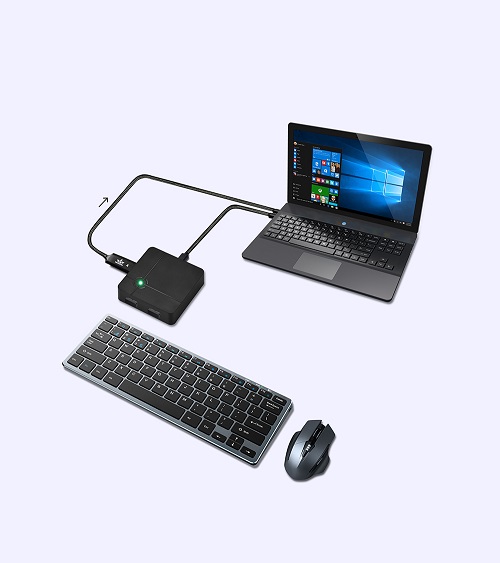
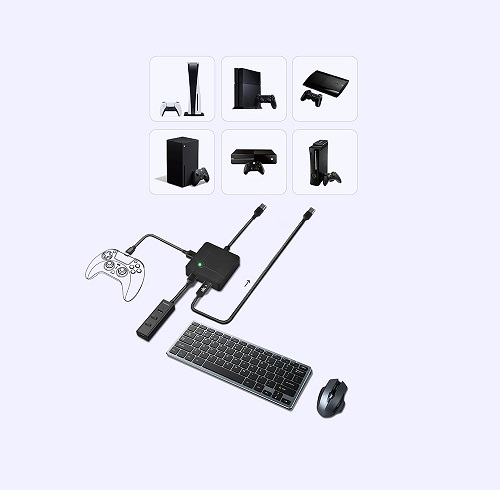
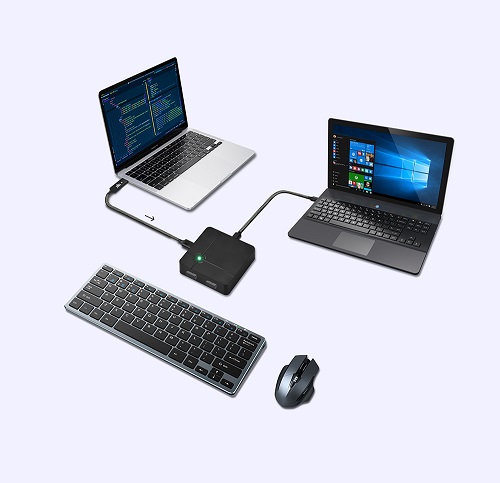
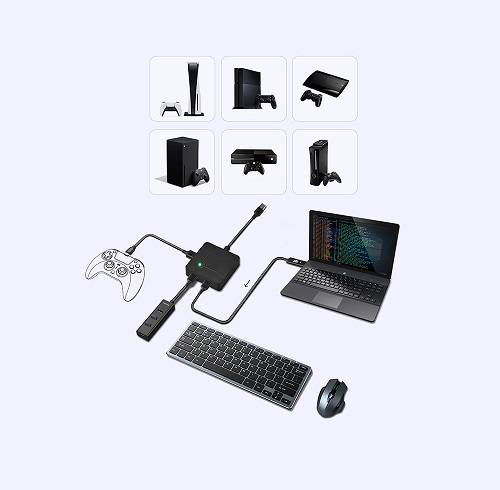
PC gamers are able to switch between a controller and a keyboard-and-mouse set instantly during gameplay. Thus, they can enjoy aim assist when aiming and firing (in controller mode), and they can also efficiently drop or equip weapons and attachments either from their backpack or a death box (in mouse & keyboard mode).
After PC gamers finish playing games, they can also switch to the keyboard and mouse mode with just one click to deal with daily computer tasks. There is no need to repeatedly plug and unplug the keyboard and mouse.
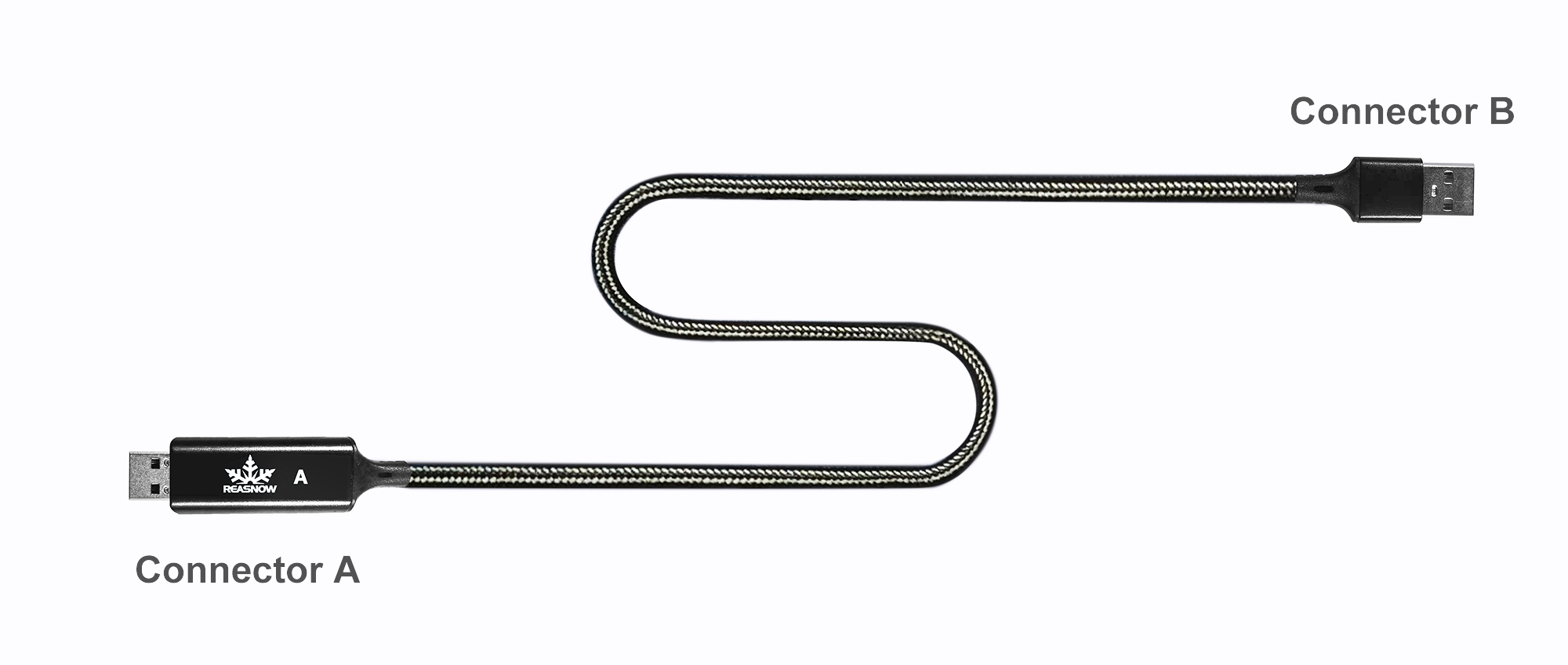
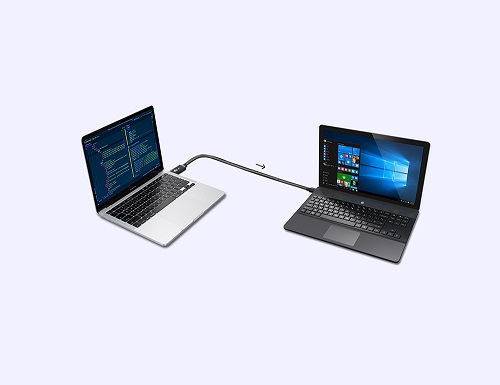
Connector A is a HID device,
Connector B is a keyboard and mouse combo device,
so control data can be sent from connector A to connector B to simulate a keyboard and mouse combo.
1 - User Manual
Introduction to ReaSnow C1
1. Major Features of ReaSnow C1
ReaSnow C1 is not only a keyboard and mouse simulator but also an excellent companion for ReaSnow S1.
PC gamers are able to switch between a controller and a keyboard-and-mouse set instantly during gameplay. Thus, they can enjoy aim assist when aiming and firing (in controller mode), and they can also efficiently drop or equip weapons and attachments either from their backpack or a death box (in mouse & keyboard mode).
After PC gamers finish playing games, they can also switch to the keyboard and mouse mode with just one click to deal with daily computer tasks. There is no need to repeatedly plug and unplug the keyboard and mouse.
Connector A is a HID device,
Connector B is a keyboard and mouse combo device,
so control data can be sent from connector A to connector B to simulate a keyboard and mouse combo.
Generally speaking, after the purchase of ReaSnow C1, just plug its connector A into USB1 of ReaSnow S1,
and plug its connector B into your PC, then power up ReaSnow S1, it will work.
1. Some Preparations
ReaSnow S1, upgraded to v5.6.86(firmware) or later